VPS, Vast.ai, RunPod: where to run your models?
From a classic VPS to hourly spot GPUs: the guide to AI infrastructure without buying hardware.
~ 14 min read
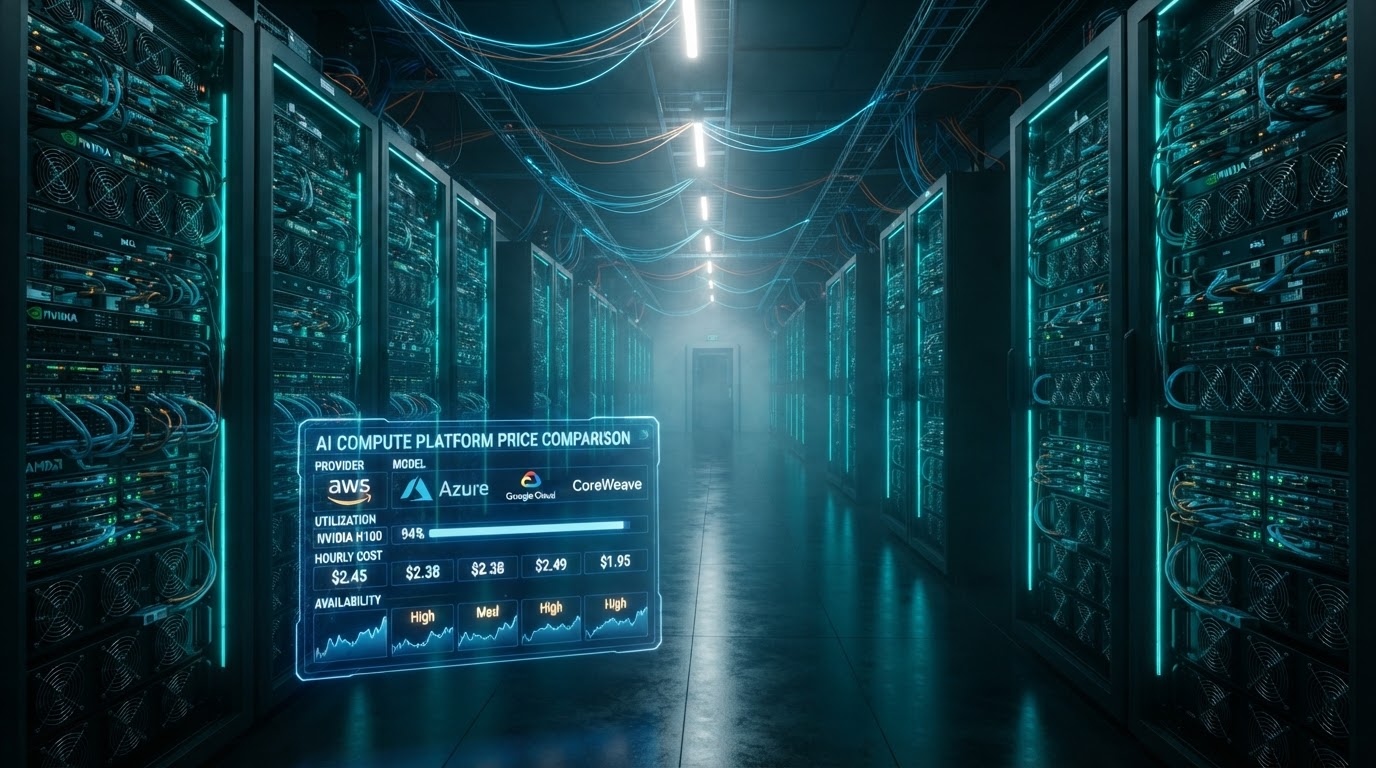
You want GPU power without buying it? It's possible today, and even recommended for many use cases. Between a VPS at a few euros per month and an H100 rented by the hour, there's a whole spectrum of infrastructures. Each has its own price/reliability/complexity trade-off. This guide walks through the five major families, with indicative prices (which move fast) and concrete recommendations.
1. The classic VPS (Hetzner, OVH, DigitalOcean, Scaleway…)
A virtual server rented per month, no dedicated GPU. It's the simplest and cheapest option to host an API, a site, a database, or run small CPU models (a quantized 7B, for example). Without a GPU, inference is slow — expect 1 to 5 tokens/s — but that's enough for light tasks, non-urgent batch processing, or prototyping.
- Price: ~$5/month (2 vCPU, 4 GB) to ~$50/month (16 vCPU, 64 GB). Hetzner and Scaleway are among the cheapest on the market.
- Good for: API hosting, small CPU models, proxy/reverse-proxy, scheduled tasks, bots.
- Limit: no (or very little) GPU, high CPU latency, unsuited to models beyond 13B.
- Setup: trivial — a Linux image, SSH, and you install
llama.cpporOllama.
Tip: a Hetzner CAX ARM VPS (~$10/month) runs a quantized Llama-3-8B at ~3-5 tokens/s. Enough for an internal chatbot or batch document summarization.
2. Cloud GPU instances (AWS, GCP, Azure, Lambda, OVH GPU)
Hyperscalers offer instances with dedicated GPUs: T4, L4, A10G, A100, H100. It's the "enterprise" path: SLA, compliance, multiple regions, integration with the rest of your cloud stack. But it's also the most expensive and most complex to configure (IAM, VPC, security groups, AMI, etc.).
- Price: from ~$0.50/h (T4) to ~$30/h (H100) and up. "Spot" instances can be 3-5× cheaper but are preemptible (interrupted).
- Good for: enterprise production, compliance, SLA, workloads that need native cloud integration (S3, BigQuery…).
- Limit: complex to configure, expensive for an individual, GPU quotas often restrictive at first.
- Setup: medium to high — you must choose the AMI, configure CUDA drivers, attached storage, networking.
Lambda Labs positions itself as a simpler, cheaper alternative to hyperscalers, with H100 instances at ~$2.50/h and a stripped-down interface. A good compromise if you want dedicated GPUs without AWS complexity.
3. Vast.ai — the decentralized GPU marketplace
Vast.ai connects individuals (and small data centers) renting out their GPUs with users. The result: very low prices, sometimes 2-5× cheaper than a classic cloud, because the machine is already amortized by its owner. It's the "Airbnb of GPUs." The trade-off is variable reliability: a machine can disappear, reboot, or be slow without notice.
- Price: ~$0.15/h (RTX 3060) to ~$1/h (A100 80 GB), sometimes less on spot offers.
- Good for: experimenters, batch jobs, one-off fine-tuning, research, testing models before buying.
- Limit: machines sometimes unstable, avoid for production, no SLA, data potentially accessible to the machine's owner.
- Setup: medium — you pick a machine from the catalog, launch a Docker image (often a pre-configured template), and you're root.
Practical tip: on Vast.ai, favor machines with a high "reliability" score and uptime above 95%. Always back up your work to remote storage (S3, Backblaze) — a machine can drop at any moment.
4. RunPod — serverless GPU and pods
RunPod offers two products: pods (hourly GPU instances, like Vast.ai but with a cleaner interface and managed machines) and serverless GPU (you deploy a function that runs on GPU on demand, billed per second of inference). Pre-configured templates (Ollama, vLLM, text-generation-webui, ComfyUI) launch in one click.
- Price: ~$0.20/h (RTX 3090) to ~$2/h (H100) for pods; serverless billed per second (~$0.0003/s on consumer GPUs).
- Good for: fast starts, serverless inference, model prototyping, custom APIs.
- Limit: a bit pricier than Vast.ai, but noticeably more reliable and simpler.
- Setup: low — one-click template, and you have a ready API.
RunPod's serverless is especially elegant for intermittent workloads: you pay only the seconds where the model generates. For a chatbot with light traffic, it's often cheaper than a 24/7 pod.
5. API aggregators (OpenRouter, Together, Fireworks, DeepInfra)
Not exactly infrastructure, but a category of its own: these services host dozens of open-source models (Llama, Mistral, Qwen, DeepSeek…) and expose them via an OpenAI-compatible API. You manage no machines — you pay per token, like at OpenAI, but often 2-10× cheaper for equivalent models. It's the simplest option if you just want to consume the model without touching infrastructure.
- Price: highly variable, often the cheapest on the market for open-source models (e.g. Llama-3-70B at ~$0.60/M in on DeepInfra).
- Good for: production, prototyping, when you just want to consume without managing infra.
- Limit: you don't control the inference engine or quantization; provider dependency.
The price comparator on the home page aggregates exactly these offers: it's the ideal tool to pick the cheapest provider for a given model.
Global comparison table
| Solution | GPU? | Indicative price | Reliability | Setup | Ideal for |
|---|---|---|---|---|---|
| VPS (Hetzner, OVH…) | No | $5-50/month | High | Trivial | Small CPU models, APIs |
| Cloud GPU (AWS, GCP…) | Yes | $0.50-30/h | Very high | High | Enterprise prod, SLA |
| Lambda Labs | Yes | $0.50-2.50/h | High | Medium | Simple dedicated, accessible H100 |
| Vast.ai | Yes | $0.15-1/h | Variable | Medium | Batch, fine-tuning, research |
| RunPod (pods) | Yes | $0.20-2/h | Good | Low | Fast starts, custom APIs |
| RunPod (serverless) | Yes | ~$0.0003/s | Good | Low | Intermittent traffic |
| Aggregators (OpenRouter…) | Yes | per token | Good | Trivial | Consume without managing infra |
How to choose: the decision matrix
| Your situation | Recommendation |
|---|---|
| "I just want to call a model, manage nothing" | Aggregator (OpenRouter, DeepInfra) |
| "I want my own engine, but no 24/7 machine" | RunPod serverless |
| "I'm doing a 12h fine-tuning, as cheap as possible" | Vast.ai |
| "I want reliable production with SLA" | Cloud GPU (AWS/GCP) or Lambda |
| "I want to host a light 24/7 API" | VPS (Hetzner) |
| "I want an H100 without AWS complexity" | Lambda Labs or RunPod |
Cross-cutting best practices
- Remote storage: never keep your data only on the rented machine. Sync to S3, Backblaze B2, or a cloud bucket. A spot machine can vanish in seconds.
- Idempotence: a fine-tuning script must be able to resume after an interruption. Save checkpoints regularly.
- Cost monitoring: a forgotten GPU running costs you 24/7. Set an auto-shutdown cron, or use RunPod's "auto-shutdown when idle" options.
- Security: change default passwords, close ports, and never expose an inference API without authentication on the internet.
- GPU choice: for inference, VRAM matters more than TFLOPS. An RTX 3090 24 GB is often more useful than a newer but pricier A10 24 GB.
And Colibri?
You sometimes hear "Colibri" in the embedded-AI world: it's a lightweight inference runtime (often embedded) optimized for very compact models on modest hardware — microcontrollers, Raspberry Pi, edge devices. Where llama.cpp targets "big LLM on PC," Colibri targets "tiny model on constrained device." Useful for IoT, edge, or ultra-local inference on a phone, but far less relevant for running a conversational LLM. Keep it in mind for embedded use, not for a workstation.
In summary
- VPS = cheap, reliable, but CPU only → small models.
- Cloud GPU = powerful and reliable, but expensive and complex → enterprise prod.
- Vast.ai = the cheapest, but variable reliability → batch and research.
- RunPod = good price/reliability compromise, handy serverless → prototyping and intermittent traffic.
- Aggregators = the simplest, per token → consume without managing infra.
Once the infrastructure is chosen, you need to understand what you run on it: the next guide on LLMs, models and harnesses details the essential vocabulary. And if you'd rather buy than rent, the guide on hardware awaits.