The hardware to run AI yourself
GPU, VRAM, RAM, NVMe vs SATA: how to size a machine for local AI inference and fine-tuning.
~ 16 min read
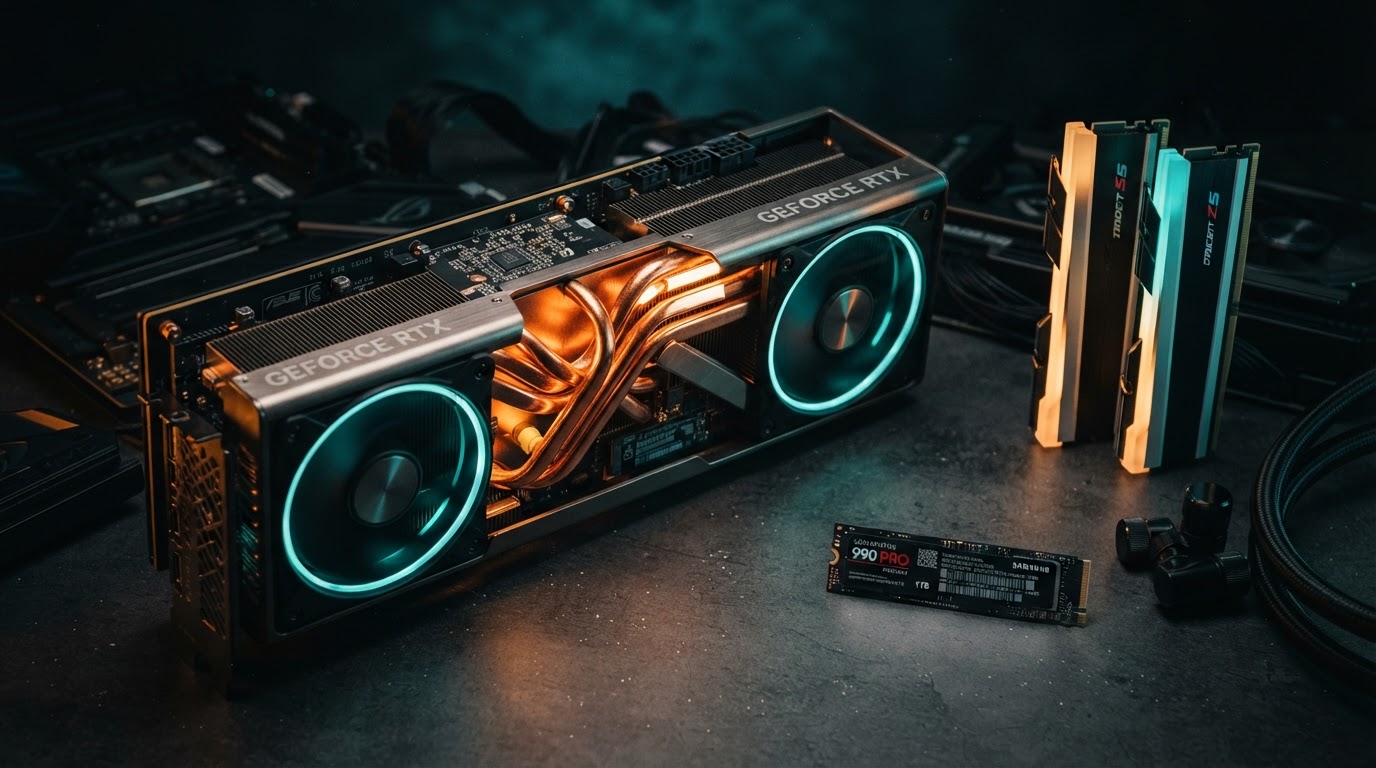
Running a model locally isn't magic: it requires a properly sized machine, and the bottleneck is rarely the GPU's raw power — it's its memory. This guide walks through each component and explains how to choose, with concrete budgets and Amazon picks (affiliate links) for those who want to build a rig.
The #1 component: the GPU and its VRAM
For inference, VRAM (the video memory on the graphics card) matters far more than compute (TFLOPS). A model must fit entirely in VRAM to run at full speed. If it overflows, the engine offloads layers to system RAM, then CPU, and speed collapses.
| Model size | VRAM needed (4-bit) | Example cards |
|---|---|---|
| 7-8B | ~5-6 GB | RTX 3060 12 GB, RTX 4060 8 GB (tight) |
| 13-14B | ~8-9 GB | RTX 4060 Ti 16 GB, RTX 4070 12 GB |
| 30-34B | ~18-20 GB | RTX 3090/4090 24 GB |
| 70B | ~40 GB | 2× RTX 3090 (NVLink), or a single 48 GB card |
| 120B+ | ~72 GB+ | Multi-GPU, Mac with 128 GB+ unified memory |
Our picks by tier (affiliate links open in a new tab):
- Entry (8B models): RTX 4060 Ti 16 GB — the cheapest card that comfortably fits a 13B in Q4.
- Best value (up to 34B): RTX 4090 24 GB — the reference for local AI. RTX 3090 24 GB (used) is the budget alternative, with NVLink for pairing two of them.
- High-end (70B+): RTX 5090 32 GB — the most powerful consumer card, 32 GB of GDDR7.
- Maximal VRAM without NVIDIA: a Mac with unified memory — 128 or 192 GB of unified memory that the GPU can tap directly.
NVLink / NVBridge is key if you stack two RTX 3090s: it lets their VRAM pool together to fit a 70B that wouldn't fit on a single 24 GB card.
System RAM: the fallback and the KV cache
System RAM plays two roles: hosting the model when it overflows VRAM (fallback, slow), and holding the KV cache (the working memory that grows with context length). For local AI, aim for at least 2× the GPU VRAM: with 24 GB of VRAM, take 64 GB of RAM; with 48 GB, take 128 GB.
Bandwidth matters as much as capacity for the fallback path:
- DDR5-5600: ~45 GB/s — the comfortable baseline.
- DDR5-6400 / 7200 (OC): ~55-60 GB/s — noticeable gain on offloaded layers.
- 8-channel DDR5 ECC (Threadripper): ~300+ GB/s — closes the gap with GPU memory.
Picks:
- 64 GB DDR5-5600 (2×32) — standard for a 24 GB-GPU rig.
- 128 GB DDR5 ECC (RDIMM) — for workstations and big-model loading in RAM.
Storage: NVMe (not SATA) for model weights
A 70B model in Q4 is ~40 GB. Loading it from a slow disk adds seconds to every launch. For AI, NVMe PCIe Gen4/Gen5 is non-negotiable: sequential reads of 7,000 to 14,000 MB/s vs 560 MB/s for SATA. The difference between "the model is ready in 2 s" and "in 30 s" is felt on every restart.
| Type | Reads | Use |
|---|---|---|
| SSD NVMe Gen5 | ~14,000 MB/s | Top-tier workstations, instant load |
| SSD NVMe Gen4 | ~7,000 MB/s | The standard for local AI |
| SSD NVMe Gen3 | ~3,500 MB/s | Acceptable, a generation behind |
| SSD SATA | ~560 MB/s | Archive / bulk storage only |
| HDD | ~150 MB/s | Never for models. Backups only. |
Plan for capacity: a 70B in several quantizations easily eats 200 GB of disk. A 4 TB NVMe Gen4 is the sweet spot; a 2 TB Gen4 works if you keep only a few models hot.
Use SATA SSDs (or HDD) only for the archive — the "model zoo" you keep but rarely run. A SATA SSD 8 TB is great for storing dozens of GGUFs cheaply; move the one you want to the NVMe before launching.
The CPU: not the star, but not optional
The CPU runs the data-prep and the fallback when VRAM is exceeded. It rarely bottlenecks inference (the GPU does), but it matters for fine-tuning data prep, quantization, and running CPU-side models (Phi-3, Gemma). A 16-core modern CPU (Ryzen 9, Core Ultra 9) is plenty for a rig. For workstations, Threadripper or Xeon open up more PCIe lanes — useful for multi-GPU.
- AMD Ryzen 9 9950X — 16 cores / 32 threads, excellent all-rounder.
The power supply (PSU): don't skimp
An RTX 4090/5090 draws 450-575 W under load; add the CPU, motherboard, RAM, and you're near 800-900 W sustained. A quality, oversized PSU is safety, stability, and silence. A cheap PSU can crash the machine under load or even damage the GPU.
- 1200 W 80+ Platinum modular — the safe baseline for a 4090/5090 rig.
Putting it together: three builds by budget
Build 1 — "Discovery" (~$1,500)
- GPU: RTX 4060 Ti 16 GB
- CPU: Ryzen 5 7600
- RAM: 32 GB DDR5
- Storage: 2 TB NVMe Gen4
- PSU: 750 W
- Runs: 7-13B models in Q4, smoothly.
Build 2 — "Comfort" (~$3,500)
- GPU: RTX 4090 24 GB (or 2× used 3090 with NVLink)
- CPU: Ryzen 9 9950X
- RAM: 64 GB DDR5-5600
- Storage: 4 TB NVMe Gen4 + 8 TB SATA for archive
- PSU: 1200 W Platinum
- Runs: up to 34B in Q4 at full speed; 70B in Q2 with patience.
Build 3 — "Workstation" (~$8,000+)
- GPU: RTX 5090 32 GB, or 2× 4090, or a Mac Studio M2 Ultra 192 GB
- CPU: Threadripper 7995WX or Threadripper 7965X
- RAM: 128-256 GB DDR5 ECC
- Storage: 2× 4 TB NVMe Gen5 (RAID) + 8 TB SATA
- PSU: 1600 W Titanium
- Runs: 70B in Q4 at full speed, 120B with offloading.
See the dedicated workstations page for turnkey options.
And Mac / Apple Silicon?
Apple Silicon machines (Mac Studio, Mac mini M4 Pro/Max, MacBook Pro) have one giant advantage: unified memory. The GPU directly addresses system RAM — a 128 GB Mac can load a 100B model where a PC with a 24 GB GPU cannot. The downside: bandwidth and compute are lower than a big NVIDIA GPU, and the ecosystem (CUDA) is absent. For very large models without the multi-GPU hassle, it's a unique path. See the dedicated guide on Mac mini for local AI.
In summary
- VRAM dictates which model fits — it's the #1 spec.
- System RAM = 2× the VRAM, DDR5, for fallback and KV cache.
- NVMe Gen4/5 for weights; SATA/HDD only for the archive.
- PSU oversized and Platinum, never cheap out.
- Mac unified memory = the path to very large models without multi-GPU.
To compare turnkey workstations, see the high-end workstations guide or the workstations page.