High-end workstations for AI
Threadripper, Mac Studio M2 Ultra, multi-GPU rigs: the high-end machines for local AI inference and training.
~ 11 min read
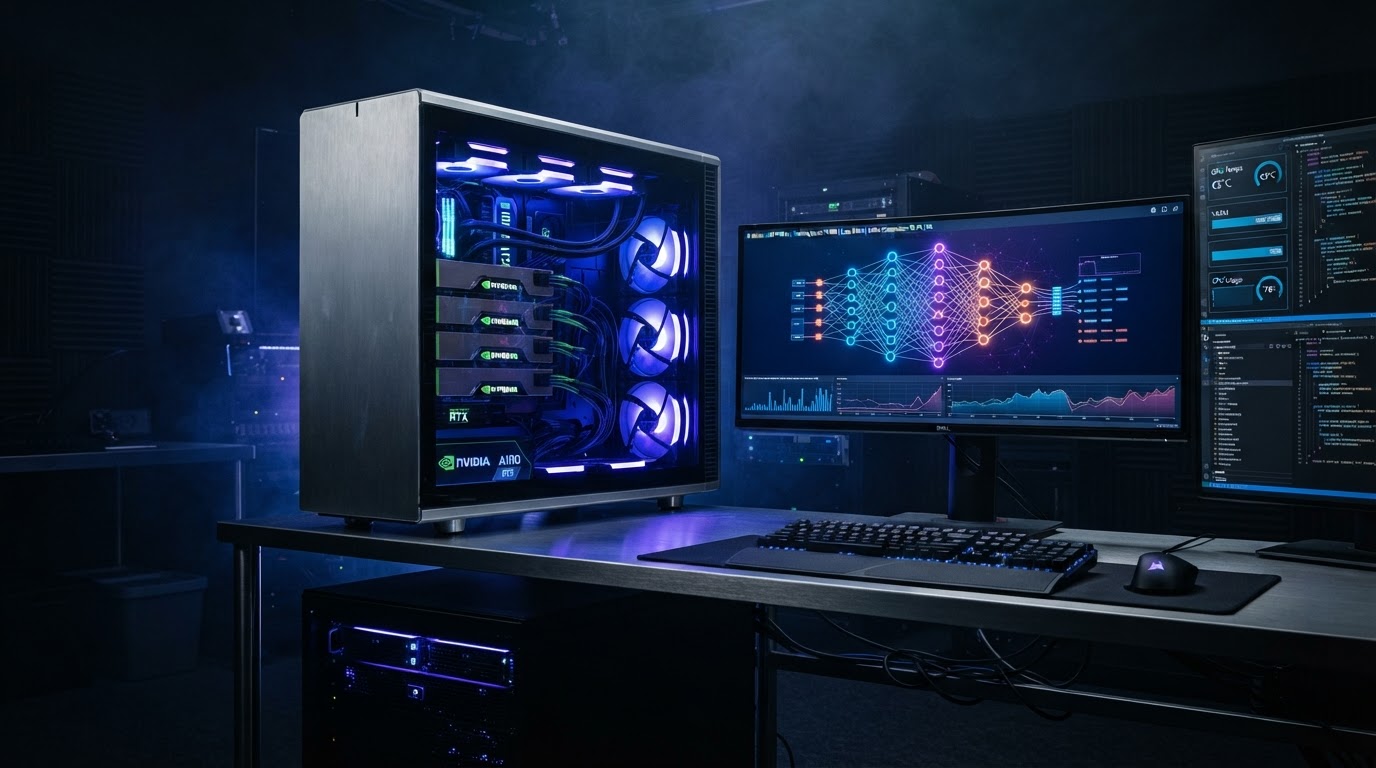
When a single GPU is no longer enough — for fine-tuning, large models, or heavy multi-user serving — you enter the world of workstations. These are machines designed for sustained compute, massive memory, and lots of PCIe lanes. Three philosophies dominate: the NVIDIA multi-GPU PC, the Apple Silicon Mac, and the "data-center in a box" Threadripper.
1. The multi-GPU NVIDIA workstation
The classic path: a Threadripper or Threadripper Pro motherboard with 4-8 PCIe x16 slots, populated with RTX 4090/5090 or, at the very high end, RTX 6000 Ada / A6000 cards. The point is to stack VRAM (4× 24 GB = 96 GB usable) and parallelize training. It's the option of choice for serious fine-tuning and serving several models simultaneously.
- Strengths: CUDA ecosystem, NVLink pooling, Linux, mature tooling (vLLM, TGI).
- Weaknesses: power (4× 450 W = a 1600-2000 W PSU), noise, heat, a dedicated electrical circuit at home.
- Price: $10,000-30,000+ depending on the GPU count.
Example: a Threadripper 7995WX platform (96 cores, 8 channels of DDR5 ECC, 4× PCIe 5.0 x16) can host 4 RTX 4090s or 2 RTX 6000 Ada. It's the closest thing to a home data center.
2. The Apple Silicon Mac (unified memory)
The alternative: a Mac Studio M2 Ultra with 128 or 192 GB of unified memory. The GPU directly addresses all that RAM — a 192 GB Mac can load a 120B model where a 4-GPU PC struggles. Bandwidth is huge (800 GB/s), but compute is lower than a big NVIDIA GPU and there's no CUDA.
- Strengths: silent, low power (~370 W), insane memory capacity, MLX framework.
- Weaknesses: no CUDA, no NVLink, lower raw compute, macOS (some tools miss).
- Price: $6,000-12,000 depending on the configuration.
- Best for: inference of very large models, quiet office use, no multi-GPU hassle.
3. The data-center GPU rig (A100/H100)
For those who want enterprise data-center GPUs at home: a rig with A100 80 GB or H100 PCIe cards. These cards are passively cooled (they need a server chassis with high airflow), run on 3-phase power, and cost $25,000+ for the cards alone. Realistic only for a lab or a serious research project. For an individual, renting these GPUs by the hour (Lambda, RunPod) is almost always more rational — see the infrastructure guide.
Side-by-side: the three philosophies
| Criterion | Multi-GPU NVIDIA PC | Mac Studio M2 Ultra | A100/H100 rig |
|---|---|---|---|
| Max usable memory | 96 GB (4× 24) | 192 GB unified | 320 GB (4× 80) |
| Memory bandwidth | ~1 TB/s (4× 1TB/s) | 800 GB/s | ~2-3 TB/s |
| Noise | Loud (fans) | Silent | Very loud (server) |
| Power | ~1600 W | ~370 W | ~3000 W+ |
| CUDA / training | Yes | No (MLX) | Yes (data-center) |
| Price range | $10-30k | $6-12k | $25k+ |
Choosing by use case
| I want to… | Best choice |
|---|---|
| Run very large models at home, quietly | Mac Studio M2 Ultra 192 GB |
| Fine-tune and train | Multi-GPU NVIDIA PC (4× 4090/5090) |
| Serve several models to a team | Threadripper + 4 GPUs (vLLM) |
| Experiment at home without going bankrupt | Single 4090 rig (~$3,500) |
| Lab / serious research | H100 rig or rent by the hour |
The practical details people forget
- Electrical: a 1600 W workstation on a standard 16 A circuit can trip the breaker under sustained load. Plan a dedicated line or a 32 A circuit.
- Cooling: 4 GPUs under load heat a room as much as a space heater. In summer, active room cooling becomes mandatory.
- Noise: a multi-GPU rig is unsuitable for a bedroom office. Consider watercooling or a server closet.
- Insurance: check that a $15k machine is covered by your home insurance.
- Storage: add a big NVMe (4-8 TB) — model loading from a slow disk is painful on a daily basis.
In summary
- Multi-GPU NVIDIA = training, serving, CUDA ecosystem. Loud and power-hungry.
- Mac unified memory = silent, very large models, no CUDA.
- A100/H100 rig = data-center performance at data-center prices.
- For most individuals, a single 4090/5090 rig or a Mac Studio covers 90% of needs.
To see concrete turnkey configurations, browse the workstations page. To understand why the GPU choice matters so much, revisit the hardware guide.