Local AI vs cloud AI: which should you choose?
Privacy, cost, latency: we compare local inference vs cloud API to help you decide.
~ 12 min read
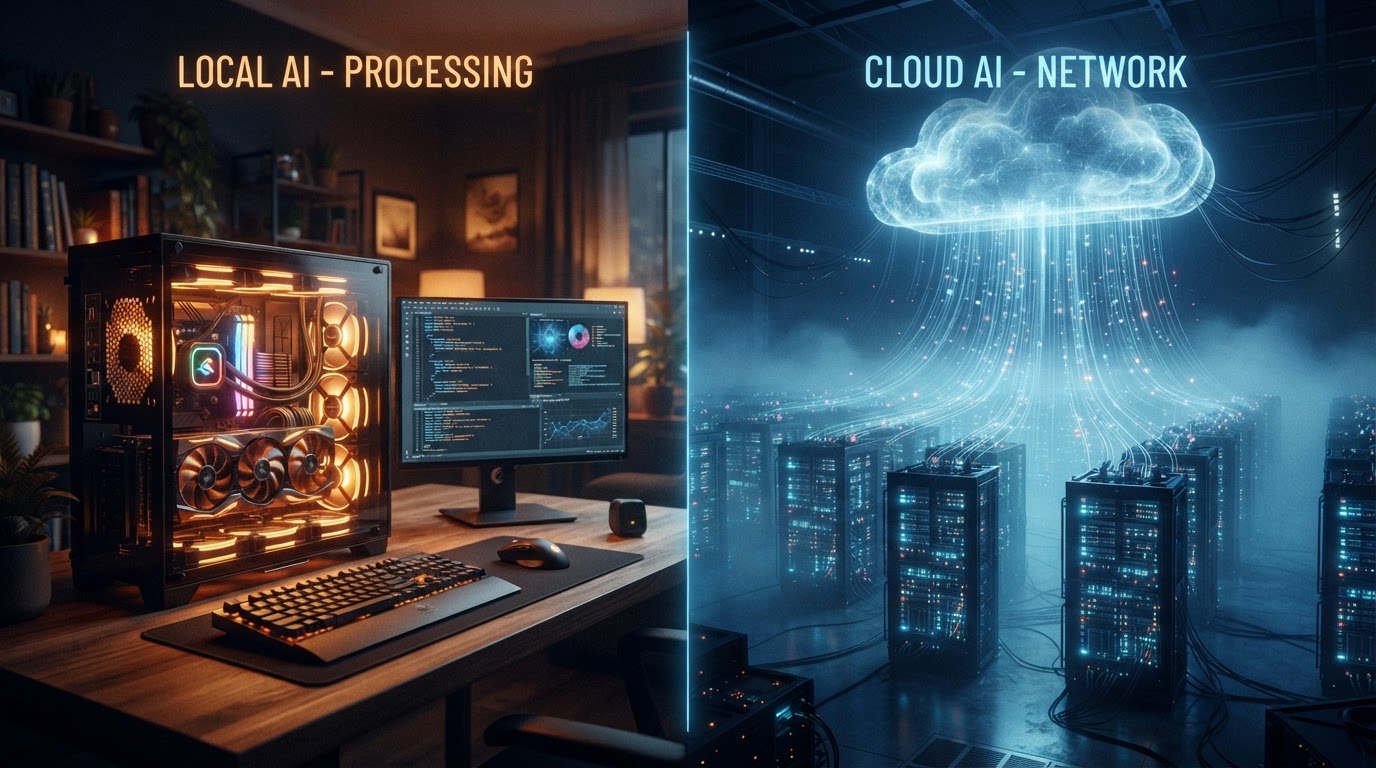
When we say "AI", we often picture an online service we send a question to and get an answer back. But there's another path, increasingly popular: running the AI yourself, on your own machine. Each approach has its strengths and weaknesses, and the right choice depends mostly on your use case, your privacy constraints, and your budget — both in hardware and in tokens consumed.
This guide is the entry point of the resource center: it lays out the basics of the debate, and each of the following guides digs into one facet (infrastructure, vocabulary, hardware, workstations). For cloud API pricing, the comparator on the home page remains the reference tool.
Online AI (cloud API)
You call a model hosted by a provider (OpenAI, Anthropic, Google, Mistral, Cohere, DeepSeek…) or an aggregator (OpenRouter, Together AI, Fireworks). You pay per million tokens — often a different price for input (prompt, "in") and output (completion, "out"). That's exactly what the price comparator on the home page compares.
The provider handles all the engineering: servers, GPUs, scaling, model updates, availability. You just send an HTTP request and get text back. The SDK is often trivial to integrate.
Pros
- No hardware to buy: a simple script or curl is enough. Ideal for prototyping.
- Always up-to-date models: "frontier" versions (GPT-5, Claude Opus, Gemini 2.5…) are available immediately, with nothing to reinstall.
- Instant scalability: from 1 to 10,000 simultaneous requests with nothing to size.
- Maximum quality: the best models on the market are only available via API, because they wouldn't fit on a personal machine.
- Advanced features: tools/function calling, vision, embeddings, managed fine-tuning, guardrails — all already wired up.
Cons
- Your data transits through a third party. Depending on the provider, it may be stored, logged, or even used for training (check the ToS and "zero data retention" options).
- Cost adds up: at heavy usage (agents that loop, large contexts), the bill climbs fast. An agent sending 200k tokens per run gets expensive.
- Dependency on availability: an outage or rate limit at the provider means your app is down.
- Network latency: every request incurs a network round-trip (often 200 ms to over 1s depending on model load).
- Lock-in: switching providers often means reworking prompts and tool handling.
Local AI
You download a model (often in GGUF format, sometimes SafeTensors) and run it with an inference engine like llama.cpp, Ollama, LM Studio, vLLM or mlx (on Apple Silicon). Everything stays on your machine: the text never leaves your disk.
Pros
- Total privacy: sensitive data, proprietary code, client files — nothing leaves. Critical for health, finance, legal, defense.
- Marginal cost: once the hardware is amortized, inference costs only electricity. No bill surprises.
- No rate limits: you're the only client. No rate limit, no queue.
- Offline operation: useful on the go, in secure environments, or simply to not depend on the internet.
- Total control: exact choice of model, quantization, generation parameters, context. Perfect reproducibility.
Cons
- Hardware investment: you need GPU and especially VRAM. A decent setup starts at ~$1,500; a pro workstation tops $10,000.
- Capped quality: the best "frontier" models (200B+ parameters) don't fit locally. You're limited to 70B and below.
- Technical setup: CUDA/ROCm drivers, engine compilation, VRAM management, quantization — a real learning curve.
- Manual updates: to get the latest model you have to download it and sometimes re-quantize it.
- Energy and noise: a machine inferring at full load heats up and makes noise; in 24/7 use it counts.
The decisive criterion: VRAM
The size of model you can run locally depends directly on the video memory (VRAM) of your graphics card — not its raw compute power. A 7B model in 4-bit quantization fits in ~5 GB of VRAM; a 70B needs ~40 GB. That's why high-VRAM cards (RTX 4090 24 GB, RTX 5090 32 GB, or a Mac with unified memory) are so prized: VRAM is the bottleneck, not TFLOPS.
Rule of thumb: a 4-bit quantized model takes about 0.6 GB per billion parameters. A 13B → ~8 GB, a 70B → ~40 GB, a 120B → ~72 GB. In 8-bit, count ~1.1 GB per billion.
When the model exceeds VRAM, engines like llama.cpp "offload" the excess layers to system RAM, then to CPU. It works, but speed collapses: from 40 tokens/s to 3-5 tokens/s. Memory bandwidth (GDDR6X, HBM, Apple unified memory) is therefore the second key factor.
Quantified comparison: a concrete case
Imagine an assistant that processes 100,000 requests per month, each consuming ~2,000 input tokens and ~500 output tokens. Here's how the two approaches compare, with a GPT-4o-mini-type model (~$0.15/M in, ~$0.60/M out):
| Metric | Cloud API (GPT-4o-mini) | Local (Llama-3-8B on RTX 4090) |
|---|---|---|
| Tokens in / month | 200 M | 200 M |
| Tokens out / month | 50 M | 50 M |
| API cost | ~$30 + ~$30 = ~$60/month | $0 (electricity included) |
| Amortized hardware (3 yrs) | $0 | ~$2,500 → ~$70/month |
| Latency per request | ~400-800 ms (network) | ~150-300 ms (local) |
| Privacy | Data at the provider | Total, on disk |
| Model quality | Very good | Good (8B), inferior on complex tasks |
At this volume, the API stays cheaper than hardware amortization. The tipping point is generally beyond 500k-1M requests/month, or as soon as privacy enters the picture. For occasional use or prototyping, the API wins; for heavy or sensitive use, local becomes worthwhile.
The spectrum of use cases
| Use | Volume | Privacy | Recommendation |
|---|---|---|---|
| Prototyping, testing an idea | Low | Standard | Cloud API (zero setup) |
| Sensitive data / NDA | Any | Critical | Local (mandatory) |
| Heavy volume, 24/7 | High | Standard | Local or rented GPU (Vast.ai/RunPod) |
| Maximum quality (frontier) | Any | Standard | Cloud API (no local alternative) |
| Long-running agent | High | Standard | Local (or the bill explodes) |
| Limited hardware budget | Any | Standard | Cloud API or hourly GPU |
| Offline / embedded | Low | Critical | Local (via llama.cpp / Colibri) |
A third path: renting GPU by the hour
Between all-local (buying) and all-API (paying per token), there's a compromise: renting a GPU machine by the hour, on Vast.ai, RunPod, Lambda Labs or the hyperscalers. You get a dedicated GPU for a few dozen cents per hour, run your own inference engine on it, and pay only for the time used. It's the go-to option for one-off fine-tuning, massive batch jobs, or testing a model on a big GPU without investing. The next guide details these infrastructures.
The hidden cloud-cost trap
Beware: the "per million tokens" price doesn't tell the whole story. An autonomous agent can chain 20 calls with long contexts; a RAG system may reinject entire document chunks. The real cost is tokens consumed × unit price × number of runs. On an agentic workload, the monthly bill can exceed the cost of an RTX 4090 in a few weeks. That's exactly why this site's price comparator exists — and why the hardware and infrastructure guides follow.
In summary
- Cloud API = simplicity, scalability, frontier quality, but your data leaves and cost climbs with usage.
- Local = privacy, marginal cost, control, but hardware investment and capped quality.
- Rented GPU = the best of both worlds for occasional or intensive use without buying.
- VRAM is the #1 local criterion; token volume is the #1 cloud criterion.
To go further: check the guide on infrastructure (VPS, Vast.ai, RunPod) for GPU rental, the one on vocabulary (LLMs, models, harnesses) to understand the terms, and the one on hardware to size a machine.